Upcube Planet

The Earth, rendered in your browser.

Upcube Planet is an interactive 3D globe application with satellite imagery, terrain, photorealistic city layer direction, geocoding, KML and GeoJSON overlays, and shareable views built on a configurable Google, Cesium, Mapbox, and Pelias provider stack.

Navigate a real 3D Earth with camera controls for zoom, pan, rotate, and tilt.
Satellite imagery and terrain reflect actual provider data configured through environment variables.
Shareable view URLs capture the exact perspective so anyone can open the same location.
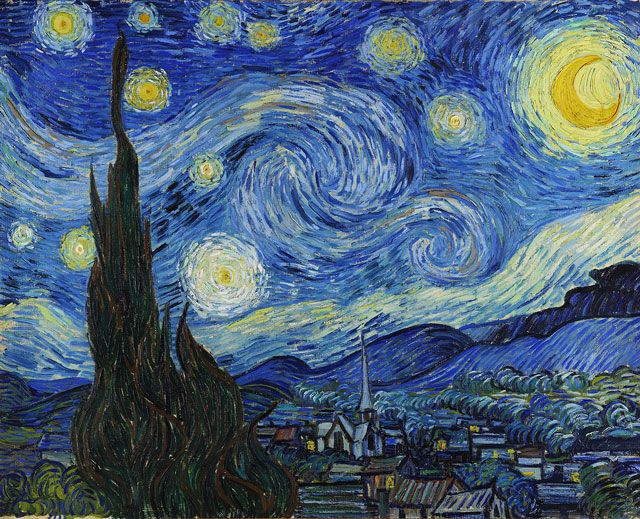
Starry abstract landscape representing global exploration.

Signature experience

A globe workspace built for spatial exploration, not just decoration.

Upcube Planet starts from the globe as the main workspace. Controls, layers, overlays, and tools support exploration without overwhelming the view. Every feature is in service of the space itself.

Interactive 3D globe navigation

The core of Upcube Planet is a smooth, interactive 3D Earth with camera controls for zoom, pan, rotate, and tilt. You can move from a continental overview to a city-level view without a page transition or a mode switch.

Satellite imagery and terrain

Satellite imagery layers are served through configured tile providers. Terrain visualization uses Cesium ion token configuration and Terrain-RGB-style URL support so elevation is represented geometrically, not as a flat colored surface.

Shareable views and overlays

Camera and view state can be captured as a shareable URL. The product direction includes client-side KML and GeoJSON overlay visualization for teams who need to layer their own geospatial data on top of the globe.

Feature highlights

Designed around the moments that define the product.

The strongest product stories stay close to the decisions, habits, and repeated actions people come back for.

Configurable geospatial provider stack

The server reads environment variables to determine which capabilities are available: GOOGLE_MAPS_API_KEY, CESIUM_ION_TOKEN, MAPBOX_TOKEN, PELIAS_API_URL, OPENMAPTILES_URL, and TERRAIN_RGB_URL. When a key is missing the app degrades gracefully rather than breaking.

Geocoding provider selection

The geocoding layer supports Google, Mapbox, and Pelias providers selectable through the GEOCODER_PROVIDER environment variable. The architecture treats geocoding as a swappable integration point rather than a fixed service.

Photorealistic 3D city direction

The product direction includes support for Google Photorealistic 3D Tiles. This capability depends on Google API access and usage policy compliance. It is part of the active product direction rather than a universally available feature today.

Technology made simple

Built on real systems, explained in clear language.

The technology matters most when it improves the experience, not when it turns the page into an engineering document.

React and Vite client with Zustand state

The client is a Vite and React TypeScript application using Zustand for state management and Radix UI primitives for accessible UI components. Provider configuration is server-controlled. UI state is client-controlled through Zustand.

Express configuration and health API

The server exposes GET /api/healthz for service health and GET /api/config for frontend configuration derived from environment variables. The client reads from /api/config at startup to understand which providers are available.

Built-in attribution handling

Attribution metadata for configured providers is built into the server configuration layer and flows through the same pipeline as provider tokens. Geospatial providers require attribution and the architecture treats it as a first-class concern.

Everyday use

Shaped around the moments people actually care about.

The clearest product pages connect features back to real use, repeatable behavior, and better next steps.

Orient a team around a physical location

Navigate to a region, enable the terrain layer, and tilt the camera to see elevation along a proposed route. Share the view URL so colleagues can open the same perspective without being talked through how to find it.

Layer custom geospatial data over a real globe

Load a GeoJSON file with field measurement locations and see the measurements on actual satellite and terrain data. The overlay is client-side so nothing is uploaded to a server.

Deploy a geospatial visualization layer

Configure the environment variables for your provider accounts and use the /api/config endpoint to wire client configuration to your key management approach. Layer toggles, geocoding behavior, and attribution are all configurable without modifying client code.

Launch

The globe is the workspace. Start there.

Upcube Planet is a serious 3D globe application foundation in active development. The provider architecture, client state model, configuration API, and attribution handling are built to support real geospatial workflows now and grow toward more advanced capabilities as the roadmap matures.